KuCoin referral codes
A KuCoin referral code connects your new account to the user who shared it and unlocks the sign-up rewards: up to 10,650 USDT in new user rewards, amount changes. Pick a code shared by the community below.

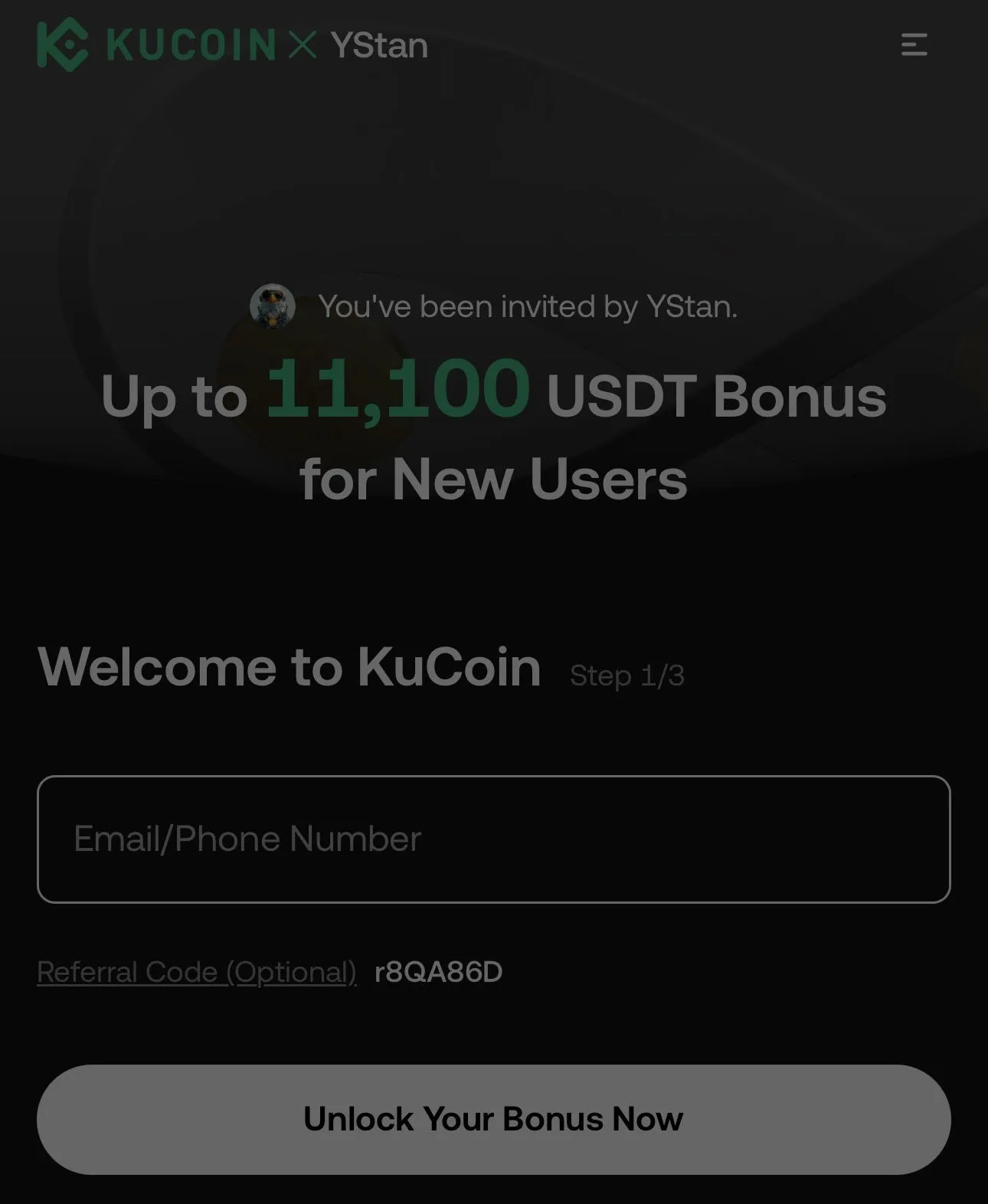
Up to 11,100 USDT in bonuses for eligible new users who register through my referral page
Grab a 100 USDT Futures Voucher when you join KuCoin today

Kucoin Airdrop: How to get Free Usdt crypto Without Trading, Do This Fast

Exchanges mentioned in the guide: KuCoin
KuCoin referral codes (6)
Codes shared by KuCoin users. Copy one and enter it when you sign up.
Up to 11,100 USDT in bonuses for eligible new users who register through my referral page
Grab a 100 USDT Futures Voucher when you join KuCoin today
Kucoin Airdrop: How to get Free Usdt crypto Without Trading, Do This Fast
Exchanges mentioned in the guide: KuCoin

Kucoin invite code

If you're trading anyway, you might as well have your volume count toward the competition
Sorted by how many times each code has been copied.
A KuCoin referral code connects your new account to the person who invited you. Type it in the Referral Code box on the first signup step, or open an invite link that fills it in. Rewards change over time and mostly come as rotating campaigns, so read the offer on your own rewards page.

What is KuCoin?
KuCoin is a global crypto platform that serves more than 45 million users. It offers spot trading, margin trading, futures, trading bots, copy trading, earn products, crypto loans and mining in one account.
The app has Lite and Pro modes, a built in AI assistant, KuCoin Predictions and KuCoin Pay. KuCoin publishes monthly Proof of Reserves reports and protects accounts with identity verification, anti phishing tools and withdrawal security.

Why sign up with a KuCoin referral code
How the referral works
The code runs through KuCoin's own referral program.
- 01Open the invite link of the code you picked, or type the code at signup.
- 02Create your account and check that the Referral Code box shows your code.
- 03Complete identity verification and the tasks listed in your rewards area.
Referral bonus with a community code
Rewards unlock in order. Amounts can vary by country and campaign.
Use the code in 6 steps
Important rules and tips
- Enter the code at signupThe referral is attached when the account is created, so add the code on the first signup step.
- One inviter per accountEach new account can use only one referral or affiliate code.
- New accounts onlyExisting KuCoin users cannot add a code to an account they already have.
- Complete identity verificationMany reward tasks require KYC before rewards are released.
- Rewards are not plain cashMost welcome rewards are Futures bonuses, coupons or trial funds with their own terms.
Sign-up with and without a code
| AT SIGN-UP | NO CODE | WITH CODES |
|---|---|---|
| Referral Code box | Empty | Shows the inviter code |
| New user reward tasks | Check on your own | Linked to the code you chose |
| Typing mistakes | Possible when typing by hand | Avoided with an invite link |
| Inviter commission | — | Inviter can earn commission rewards |
Common questions
How much is the KuCoin referral bonus?
It depends on the campaign and your region. KuCoin has promoted up to 10,650 USDT for new users and affiliate pages have shown up to 11,100 USDT, but the amount changes. Your rewards page shows the current offer.
Where do I enter the KuCoin referral code?
In the Referral Code box on the first step of the signup screen. If you open an invite link, the code is already filled in.
Can I add a referral code after I sign up?
Plan to add it during registration, because the referral is attached when the account is created.
Are KuCoin bonuses paid in cash?
Usually not. Most rewards come as Futures bonuses, coupons or trial funds with their own terms.
Do I need to complete KYC?
Yes for most rewards. Identity verification is required for many tasks.
Ready to join KuCoin?
Pick a code from the list above, open its invite link and check the Referral Code box before you continue. Then read the new user tasks in your rewards area.
More codes and links