BingX referral codes
A BingX referral code connects your new account to the user who shared it and unlocks the sign-up rewards: task rewards in the Rewards Hub for new users and a fee share for referrers (no fixed bonus). Pick a code shared by the community below.
BingX now has the MiCA license. Register from my link to get up to 5685 USDT in trading bonuses.

New user sign up event on BingX. Many say it is easy to use. Sign up takes about 3 minutes.
I've been using BingX as my main exchange. User friendly app, P2P trading, daily check in coupons.

BingX deposit event ends in 8 days! Deposit and get rewards worth up to 350 USDT. Register first.
BingX referral codes (6)
Codes shared by BingX users. Copy one and enter it when you sign up.
BingX now has the MiCA license. Register from my link to get up to 5685 USDT in trading bonuses.
New user sign up event on BingX. Many say it is easy to use. Sign up takes about 3 minutes.
I've been using BingX as my main exchange. User friendly app, P2P trading, daily check in coupons.
BingX deposit event ends in 8 days! Deposit and get rewards worth up to 350 USDT. Register first.

Enter through this link and the invite code is applied automatically, so less worry about typos.

Scalpers are eating good this time. Don't forget to sign up with my code.
Sorted by how many times each code has been copied.
The BingX referral code is optional. Enter a member's code at sign-up (or open their invite link) to link your account to them. It does not give a fixed cash bonus. New users can complete Rewards Hub New User Zone tasks worth up to 30 USDT, which depend on your region, last 21 days after sign-up and are mostly vouchers or trial funds that cannot be withdrawn (profits can be). KYC is required for rewards, and the code cannot be changed once linked.
What is BingX?
BingX is a global trading platform that started in 2018 as a crypto exchange and now offers multi asset trading. One account covers crypto spot, perpetual futures, copy trading, grid bots and a TradFi section with forex, gold, indices and commodities, plus P2P trading and Quick Buy.
A BingX referral code is the personal code of an existing member that you enter in the optional Referral Code field at sign-up. Once accepted, your account is linked to that member permanently. The member earns commission from the trading fees you pay, and you get access to the New User Zone of the Rewards Hub.

Why sign up with a BingX referral code
How the referral works
The code runs through BingX's own referral program.
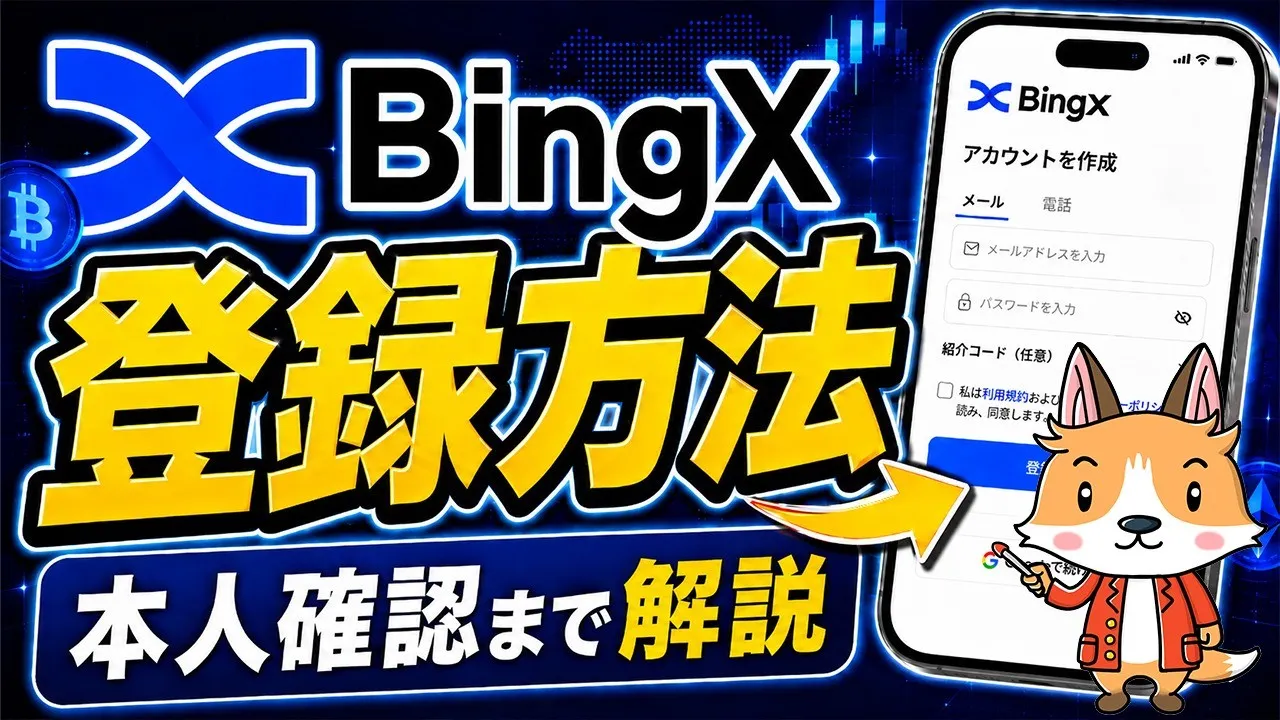
- 01Open a poster's invite link or the BingX sign-up page, and check the Referral Code field is filled with the code you meant to use.
- 02Create the account, accept the terms and complete the verification step.
- 03Complete advanced identity verification (KYC) so your region and reward eligibility are confirmed.
- 04Finish Rewards Hub New User Zone tasks within 21 days and claim each reward manually.
Referral bonus with a community code
Rewards unlock in order. Amounts can vary by country and campaign.
Use the code in 7 steps
Important rules and tips
- The code is optionalThe Referral Code field on sign-up is optional, so check it is filled in if you want the referral to count.
- Add it before depositingA code can only be added later under My Referrer if you have not deposited yet, including crypto sent from another platform or bought with Buy Crypto.
- It cannot be changedOnce your account is bound to a referral code, it cannot be changed or removed, and support cannot swap it.
- KYC is requiredIdentity verification is required for most events and for receiving rewards. Multiple accounts and self referrals are prohibited.
- Rewards are mostly vouchersBonuses and trial funds cannot be withdrawn, though profits made with them can. Unclaimed rewards can expire.
- Leverage is high riskFutures and leveraged products are high risk. Only trade money you can afford to lose.
Sign-up with and without a code
| AT SIGN-UP | NO CODE | WITH CODES |
|---|---|---|
| Referrer link | Your account is not linked to a referrer. | Your account is linked to the code owner for good. |
| Fee rebate | No rebate from a referrer. | Possible, if the code owner shares commission. Varies per code. |
| Rewards Hub tasks | Available, depending on region. | Available, depending on region (up to 30 USDT in tasks). |
| Fixed cash bonus | None. | None from the code itself. |
| Change code later | Only add one before your first deposit. | Not possible once linked. |
Common questions
Is a BingX referral code required?
No. The Referral Code field at sign-up is optional.
Does the code give a sign-up bonus?
No fixed bonus. New User Zone tasks are worth up to 30 USDT, depend on region, last 21 days and are mostly vouchers or trial funds that cannot be withdrawn. The "up to $5100 rewards" headline is a maximum, not a guarantee.
How much does a referrer earn?
A share of the trading fees friends pay: 10% at Lv1, 20% at Lv2 after 10 valid friends, with the ratio on new codes capped at 45%. It is paid daily to the Fund Account and can be withdrawn.
Can I add a code after signing up?
Yes, under My Referrer, but only before your first deposit (including Buy Crypto).
Can I change my referral code?
No. Once linked, it cannot be changed or removed.
Do I need KYC?
Yes. Identity verification is required for rewards.
Pick a BingX referral code
Choose a code from a verified user above, check the Referral Code field at sign-up and complete verification to see which Rewards Hub tasks you qualify for.
More codes and links